
A Step-by-Step Guide to Python Classes 2026

What is a Python Class?
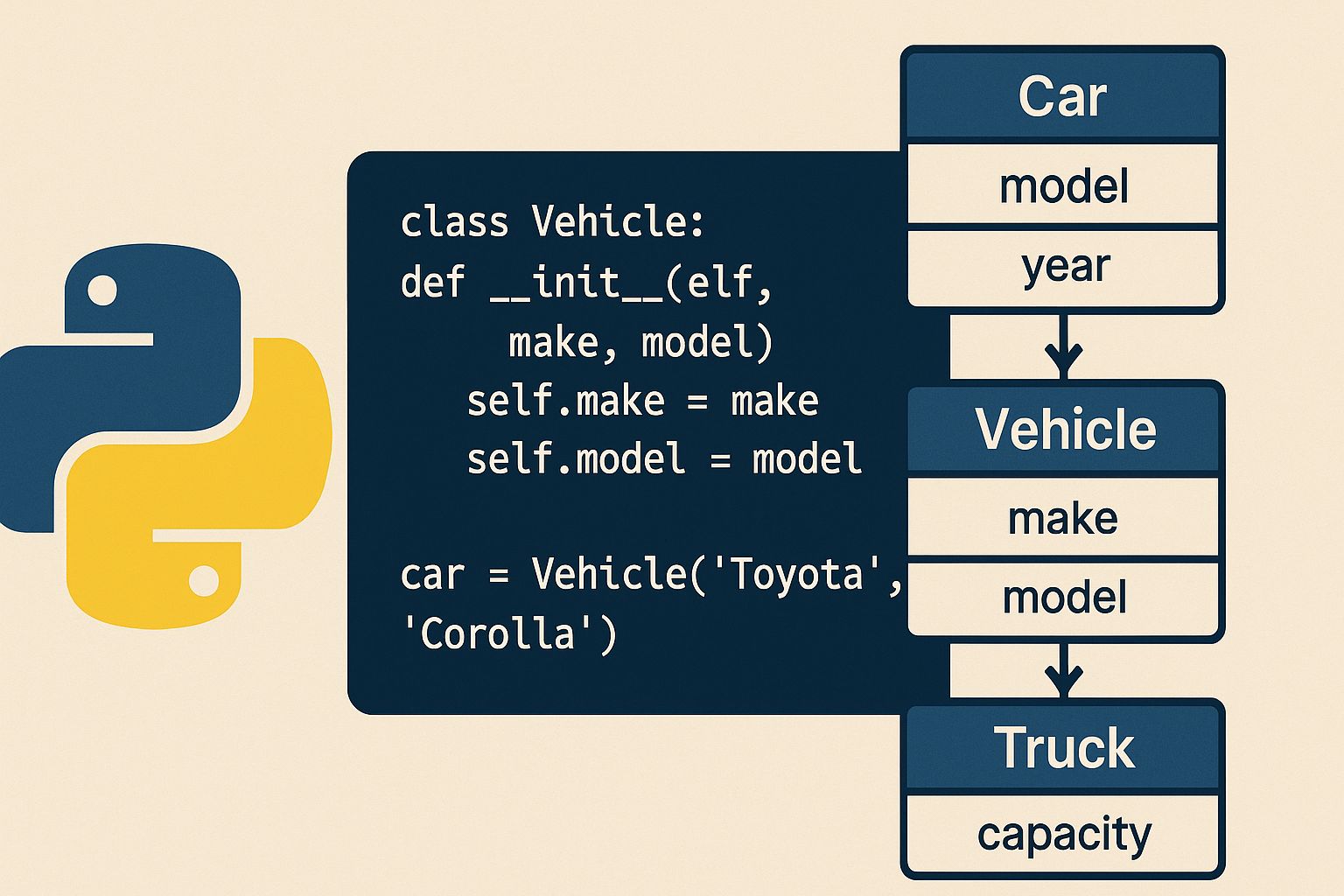
A Python class is essentially a blueprint for creating objects. Think of it as a template that defines the properties and behaviors that objects created from the class will have. When you define a class in Python, you're creating a new data type that can hold both data (attributes) and functions (methods).
The concept of classes allows you to model real-world entities in your code. For example, if you're building a car rental system, you might create a Car class that contains information about each vehicle and methods to perform actions like starting the engine or calculating rental costs.
Basic Syntax of a Python Class
Creating a Python class is straightforward. The basic syntax uses the class keyword followed by the class name and a colon. Here's a simple example:
class Dog:
    def __init__(self, name, age):
        self.name = name
        self.age = age

    def bark(self):x
        return f"{self.name} says Woof!"

# Creating an instance of the Dog class
my_dog = Dog("Buddy", 3)
print(my_dog.bark())  # Output: Buddy says Woof!
In this example, we've created a Python class called Dog with two attributes (name and age) and one method (bark). The __init__ method is a special constructor that runs automatically when you create a new instance of the class.
Understanding the init Method
The __init__ method is a constructor in Python class definitions. This special method initializes the attributes of an object when it's first created. The first parameter, self, refers to the instance being created and is required in all instance methods.
class Person:
    def __init__(self, first_name, last_name, age):
        self.first_name = first_name
        self.last_name = last_name
        self.age = age
        self.full_name = f"{first_name} {last_name}"

person = Person("John", "Doe", 30)
print(person.full_name)  # Output: John Doe
The __init__ method allows you to set up initial values for your object's attributes. You can also perform any setup operations needed when the object is created.
Class Attributes vs Instance Attributes
Understanding the difference between class attributes and instance attributes is crucial when working with Python classes. Instance attributes are specific to each object, while class attributes are shared across all instances of the class.
class BankAccount:
    # Class attribute
    bank_name = "Python Bank"
    interest_rate = 0.02

    def __init__(self, account_holder, balance):
        # Instance attributes
        self.account_holder = account_holder
        self.balance = balance

account1 = BankAccount("Alice", 1000)
account2 = BankAccount("Bob", 2000)

print(account1.bank_name)  # Output: Python Bank
print(account2.bank_name)  # Output: Python Bank
print(account1.balance)    # Output: 1000
print(account2.balance)    # Output: 2000
Class attributes are defined directly within the class body but outside any methods. They're useful for storing values that should be consistent across all instances, such as configuration settings or constants.
Methods in Python Classes
Methods are functions defined inside a Python class. They define the behaviors and actions that objects of the class can perform. There are three main types of methods: instance methods, class methods, and static methods.
Instance Methods
Instance methods are the most common type. They operate on an instance of the class and can access instance attributes through the self parameter.
class Rectangle:
    def __init__(self, width, height):
        self.width = width
        self.height = height

    def calculate_area(self):
        return self.width * self.height

    def calculate_perimeter(self):
        return 2 * (self.width + self.height)

rect = Rectangle(5, 3)
print(rect.calculate_area())       # Output: 15
print(rect.calculate_perimeter())  # Output: 16
Class Methods
Class methods are defined using the @classmethod decorator and take cls as their first parameter instead of self. They can access class attributes but not instance attributes.
class Employee:
    company_name = "Tech Corp"
    employee_count = 0

    def __init__(self, name, position):
        self.name = name
        self.position = position
        Employee.employee_count += 1

    @classmethod
    def get_employee_count(cls):
        return cls.employee_count

    @classmethod
    def change_company_name(cls, new_name):
        cls.company_name = new_name

emp1 = Employee("Alice", "Developer")
emp2 = Employee("Bob", "Designer")
print(Employee.get_employee_count())  # Output: 2
Static Methods
Static methods use the @staticmethod decorator and don't receive an implicit first argument. They're essentially regular functions that belong to the class namespace.
class MathOperations:
    @staticmethod
    def add(x, y):
        return x + y

    @staticmethod
    def multiply(x, y):
        return x * y

print(MathOperations.add(5, 3))      # Output: 8
print(MathOperations.multiply(4, 2)) # Output: 8
Inheritance in Python Classes
Inheritance is a powerful feature that allows you to create a new Python class based on an existing class. The new class (child class) inherits attributes and methods from the existing class (parent class), promoting code reuse.
class Animal:
    def __init__(self, name, species):
        self.name = name
        self.species = species

    def make_sound(self):
        return "Some generic sound"

class Cat(Animal):
    def __init__(self, name, color):
        super().__init__(name, "Cat")
        self.color = color

    def make_sound(self):
        return "Meow!"

class Dog(Animal):
    def __init__(self, name, breed):
        super().__init__(name, "Dog")
        self.breed = breed

    def make_sound(self):
        return "Woof!"

cat = Cat("Whiskers", "Orange")
dog = Dog("Max", "Labrador")

print(cat.make_sound())  # Output: Meow!
print(dog.make_sound())  # Output: Woof!
The super() function is used to call methods from the parent class, allowing you to extend functionality rather than completely replacing it.
Encapsulation and Private Attributes
Encapsulation is the concept of restricting direct access to some of an object's components. In Python, you can create private attributes by prefixing the attribute name with double underscores.
class BankAccount:
    def __init__(self, account_number, balance):
        self.account_number = account_number
        self.__balance = balance  # Private attribute

    def deposit(self, amount):
        if amount > 0:
            self.__balance += amount
            return True
        return False

    def get_balance(self):
        return self.__balance

    def withdraw(self, amount):
        if 0 < amount <= self.__balance:
            self.__balance -= amount
            return True
        return False

account = BankAccount("123456", 1000)
account.deposit(500)
print(account.get_balance())  # Output: 1500
# print(account.__balance)    # This would raise an AttributeError
While Python doesn't enforce true private attributes, the double underscore convention makes it clear that these attributes should not be accessed directly from outside the class.
Property Decorators
The @property decorator allows you to define methods that can be accessed like attributes. This is useful for implementing getters and setters while maintaining a clean syntax.
class Temperature:
    def __init__(self, celsius):
        self._celsius = celsius

    @property
    def celsius(self):
        return self._celsius

    @celsius.setter
    def celsius(self, value):
        if value < -273.15:
            raise ValueError("Temperature cannot be below absolute zero")
        self._celsius = value

    @property
    def fahrenheit(self):
        return (self._celsius * 9/5) + 32

    @fahrenheit.setter
    def fahrenheit(self, value):
        self.celsius = (value - 32) * 5/9

temp = Temperature(25)
print(temp.celsius)     # Output: 25
print(temp.fahrenheit)  # Output: 77.0
temp.fahrenheit = 86
print(temp.celsius)     # Output: 30.0
Special Methods (Magic Methods)
Python classes can implement special methods (also called magic methods or dunder methods) that define how objects behave with built-in operations. These methods are surrounded by double underscores.
class Book:
    def __init__(self, title, author, pages):
        self.title = title
        self.author = author
        self.pages = pages

    def __str__(self):
        return f"{self.title} by {self.author}"

    def __repr__(self):
        return f"Book('{self.title}', '{self.author}', {self.pages})"

    def __len__(self):
        return self.pages

    def __eq__(self, other):
        if isinstance(other, Book):
            return self.title == other.title and self.author == other.author
        return False

book1 = Book("Python Programming", "John Smith", 350)
book2 = Book("Python Programming", "John Smith", 350)

print(str(book1))        # Output: Python Programming by John Smith
print(len(book1))        # Output: 350
print(book1 == book2)    # Output: True
Common special methods include __str__, __repr__, __len__, __eq__, __add__, and many others that allow your objects to integrate seamlessly with Python's built-in functionality.
Multiple Inheritance
Python supports multiple inheritance, where a class can inherit from multiple parent classes. This allows you to combine functionality from different sources.
class Flyable:
    def fly(self):
        return "Flying through the air!"

class Swimmable:
    def swim(self):
        return "Swimming in water!"

class Duck(Flyable, Swimmable):
    def __init__(self, name):
        self.name = name

    def quack(self):
        return "Quack quack!"

duck = Duck("Donald")
print(duck.fly())    # Output: Flying through the air!
print(duck.swim())   # Output: Swimming in water!
print(duck.quack())  # Output: Quack quack!
When using multiple inheritance, be mindful of the Method Resolution Order (MRO), which determines the order in which Python searches for methods in the inheritance hierarchy.
Class Composition vs Inheritance
While inheritance represents an "is-a" relationship, composition represents a "has-a" relationship. Sometimes composition is a better design choice than inheritance.
class Engine:
    def __init__(self, horsepower):
        self.horsepower = horsepower

    def start(self):
        return "Engine started"

class Car:
    def __init__(self, make, model, horsepower):
        self.make = make
        self.model = model
        self.engine = Engine(horsepower)  # Composition

    def start_car(self):
        return self.engine.start()

car = Car("Toyota", "Camry", 200)
print(car.start_car())  # Output: Engine started
Composition often leads to more flexible and maintainable code, as it allows you to change behavior at runtime and reduces coupling between classes.
Abstract Base Classes
Abstract base classes (ABCs) define a contract that derived classes must follow. They're useful for defining interfaces and ensuring that subclasses implement specific methods.
from abc import ABC, abstractmethod

class Shape(ABC):
    @abstractmethod
    def calculate_area(self):
        pass

    @abstractmethod
    def calculate_perimeter(self):
        pass

class Circle(Shape):
    def __init__(self, radius):
        self.radius = radius

    def calculate_area(self):
        return 3.14159 * self.radius ** 2

    def calculate_perimeter(self):
        return 2 * 3.14159 * self.radius

class Square(Shape):
    def __init__(self, side):
        self.side = side

    def calculate_area(self):
        return self.side ** 2

    def calculate_perimeter(self):
        return 4 * self.side

circle = Circle(5)
square = Square(4)
print(circle.calculate_area())      # Output: 78.53975
print(square.calculate_perimeter()) # Output: 16
Best Practices for Python Classes
Following best practices when working with Python classes will make your code more maintainable and professional. Here are some key guidelines:
Use descriptive class names: Class names should be in PascalCase and clearly describe what the class represents. For example, UserAccount is better than ua or account1.
Follow the Single Responsibility Principle: Each class should have one clear purpose. If a class is doing too many things, consider splitting it into multiple classes.
Use docstrings: Document your classes and methods with docstrings to explain their purpose and usage.
class Customer:
    """
    Represents a customer in the system.

    Attributes:
        customer_id (str): Unique identifier for the customer
        name (str): Customer's full name
        email (str): Customer's email address
    """

    def __init__(self, customer_id, name, email):
        self.customer_id = customer_id
        self.name = name
        self.email = email

    def send_email(self, subject, message):
        """
        Send an email to the customer.

        Args:
            subject (str): Email subject line
            message (str): Email message body

        Returns:
            bool: True if email sent successfully
        """
        # Email sending logic here
        pass
Prefer composition over inheritance: Use inheritance when there's a clear "is-a" relationship, but consider composition when you simply want to reuse functionality.
Keep classes focused and cohesive: Group related data and behavior together, but avoid creating god classes that try to do everything.
Common Use Cases for Python Classes
Python classes are incredibly versatile and find applications across various programming domains. Here are some common scenarios where classes prove invaluable:
Data modeling: Classes are perfect for representing entities in your domain, such as users, products, or transactions in an e-commerce system.
API wrappers: When working with external APIs, creating classes to encapsulate API interactions makes your code cleaner and more maintainable.
Game development: Classes are essential for representing game entities like players, enemies, items, and game states.
Web frameworks: Frameworks like Django and Flask use classes extensively for views, models, and forms.
Data science: Classes help organize data processing pipelines and machine learning models.
Summary
Understanding Python class concepts is essential for writing clean, maintainable, and scalable code. From basic class definitions to advanced features like inheritance, encapsulation, and special methods, mastering these concepts will significantly improve your programming skills.
Python classes provide a powerful way to organize your code and model real-world entities. Whether you're building a simple script or a complex application, the object-oriented programming principles enabled by Python classes will serve you well throughout your development journey.