
Automate Your LightNode Cloud Infrastructure with API Access
Apply for a LightNode API key from the user console and connect VPS deployment, server operations, and infrastructure workflows directly to your own systems.
Build Cloud Workflows Around LightNode
The LightNode API is designed for developers, SaaS teams, and operations teams that need infrastructure actions to be programmable, repeatable, and connected to their own business systems.
Automated VPS Provisioning
Create infrastructure workflows around LightNode cloud servers instead of repeating manual console operations.
Lifecycle Operations
Connect server creation, renewal, reinstall, reboot, and resource changes to your internal tools and scripts.
Faster Delivery
Turn common infrastructure actions into repeatable API calls for CI pipelines, customer portals, and operations teams.
Account-Level Access Control
Generate API credentials from your LightNode account and keep keys private like passwords.
What You Can Automate
Use API access to move cloud operations out of manual tickets and into the tools your team already uses.
Spin up VPS instances for customer orders, test environments, or regional deployments.
Integrate LightNode server operations into internal dashboards and billing systems.
Build scripts that standardize common actions across teams and projects.
Connect cloud infrastructure workflows with monitoring, DevOps, and automation tools.
How to Apply for a LightNode API Key
API authentication requires an access API key. Generate it from your LightNode user console before calling the API.
Sign in to LightNode
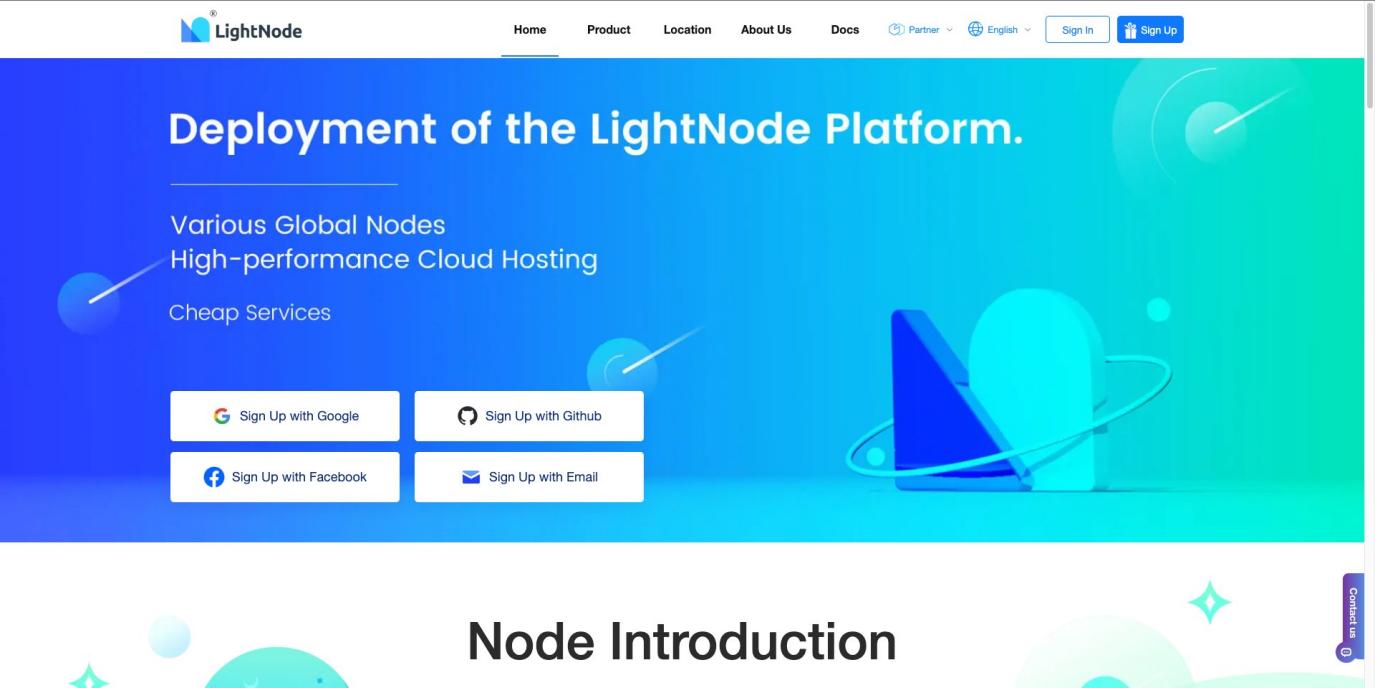
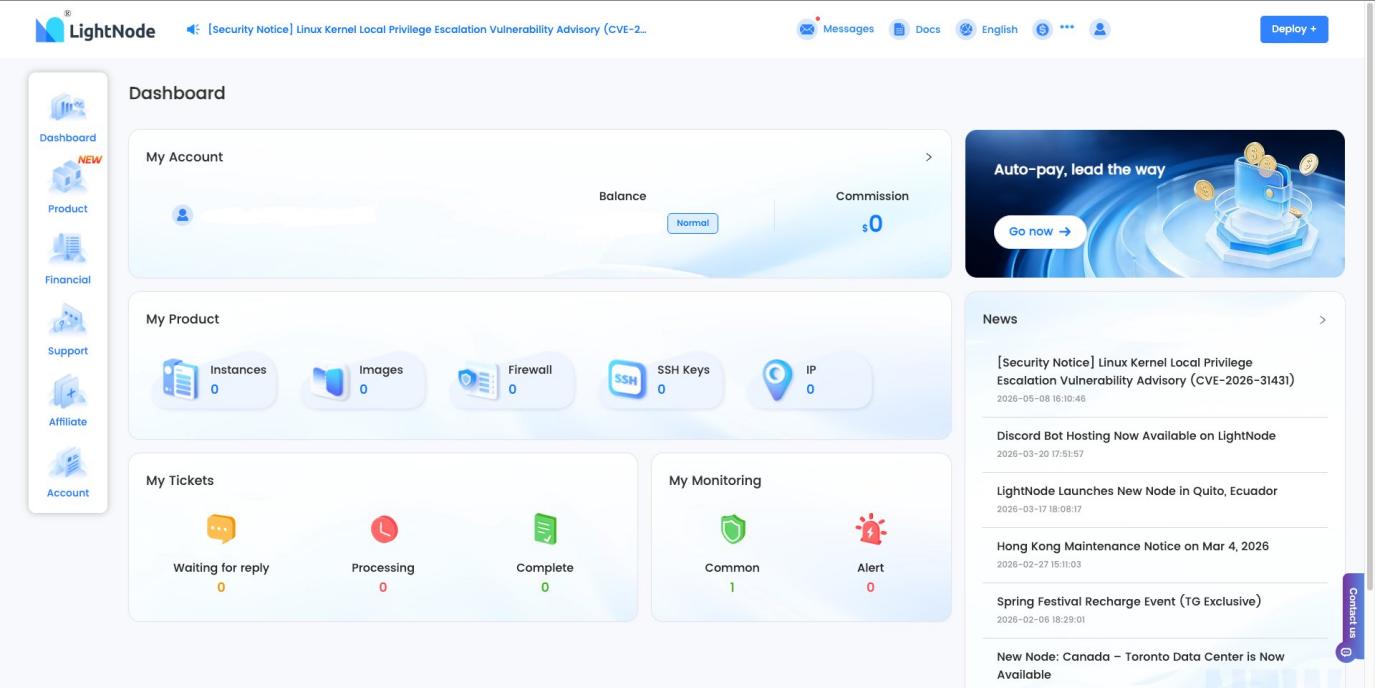
Log in with Google, GitHub, Facebook, or email. After signing in, you will land on the Dashboard.
Open Account
Use the left sidebar in the console and open the Account section at the bottom of the navigation.
Go to API Key
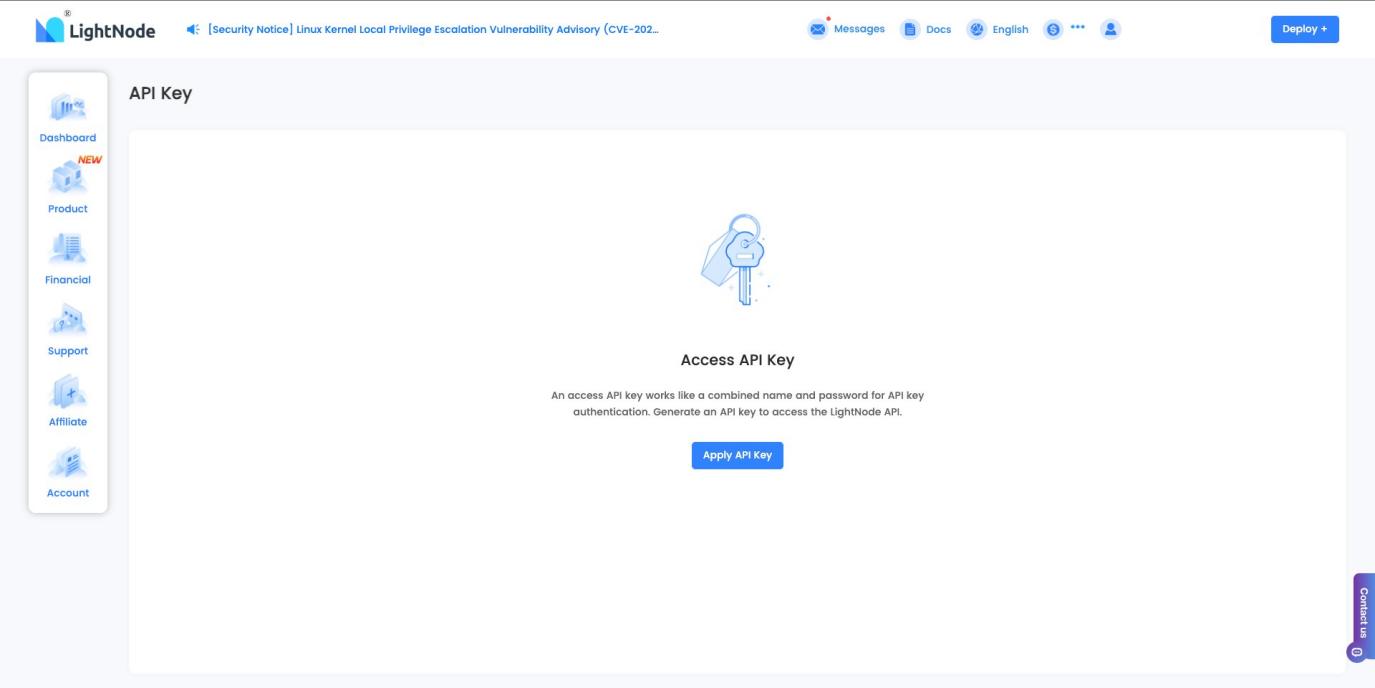
Open the API Key page from the Account area. If no key exists yet, you will see the Access API Key screen.
Apply New API Key
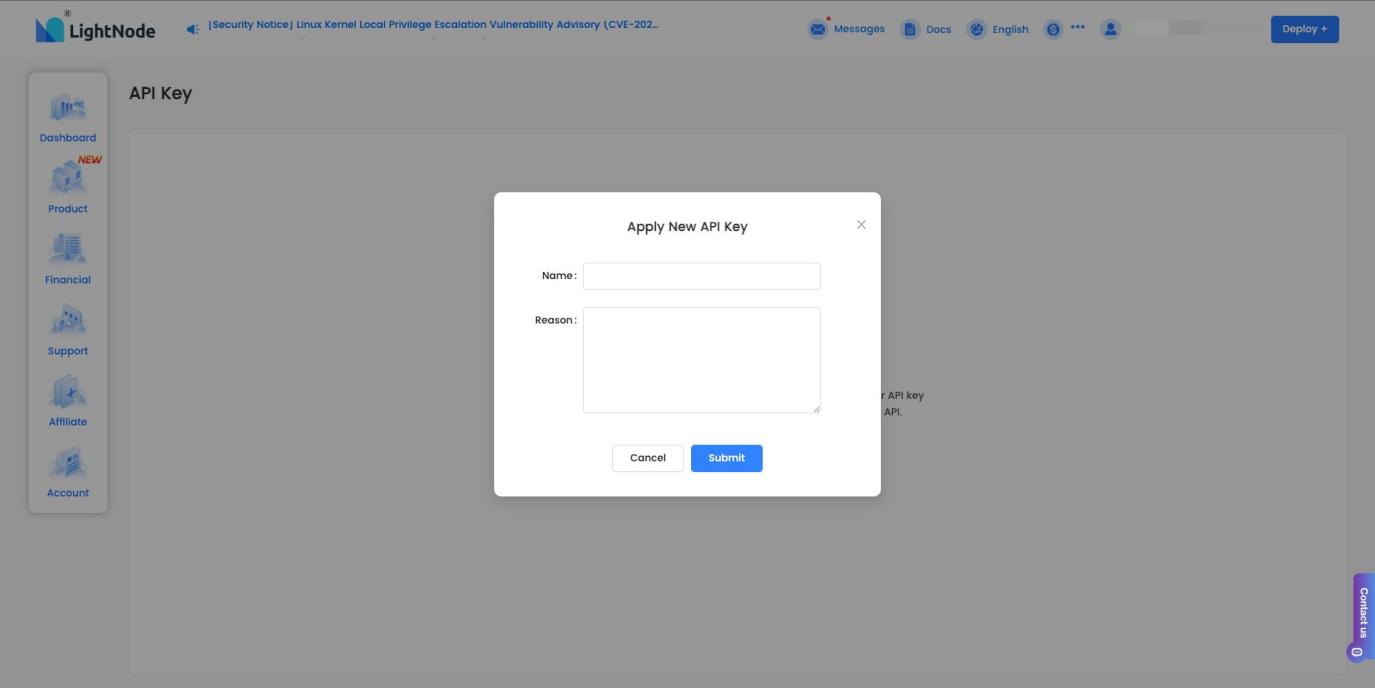
Click Apply API Key, enter a clear key name and your access reason, then submit the application.
API Key Safety Tips
Your access API key works like a combined username and password for API authentication. Protect it before connecting production systems.
Keep generated API keys private and never publish them in code.
Use a descriptive key name so multiple keys are easier to manage later.
If you cannot see the API Key page, confirm that you are fully logged in to the console.
FAQ | LightNode API
What do I need before using the LightNode API?
You need a LightNode account and an approved access API key generated from the user console.
Where can I read the API documentation?
The public LightNode API documentation is available at https://apidoc.lightnode.com/en.
How should I store my API key?
Treat the API key like a password. Store it in a secure secret manager or environment variable and never expose it in frontend code, logs, or public repositories.
Ready to Build with LightNode API?
Apply for API access from your LightNode console and start connecting cloud operations to your own workflows.
Apply API Key